
iOS app
FMS Trainer
A training aid for pilots new to the Honeywell Primus Epic FMS and MCDU on the Embraer E-Jet. Two versions: FMS 25 and FMS 27 (Load 25 and Load 27). One-time purchase, $9.99. No subscription. Currently covers US airports only.
Coming soon to the App Store
One-time purchase, $9.99. No subscription.
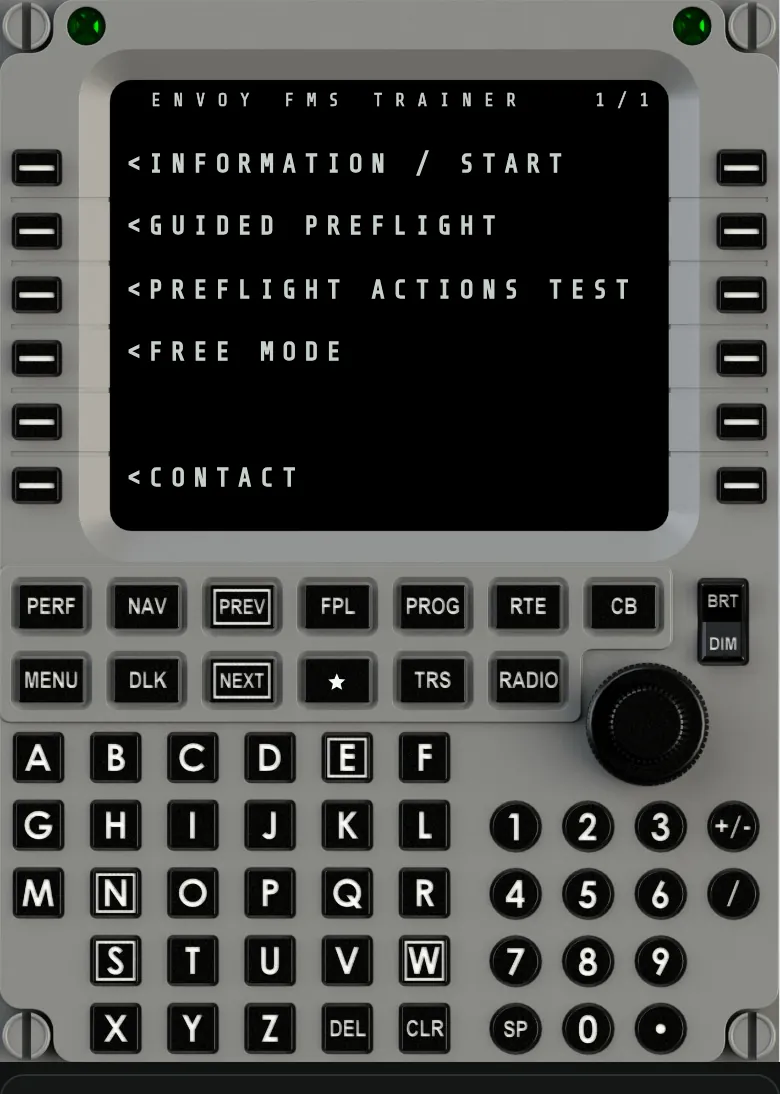
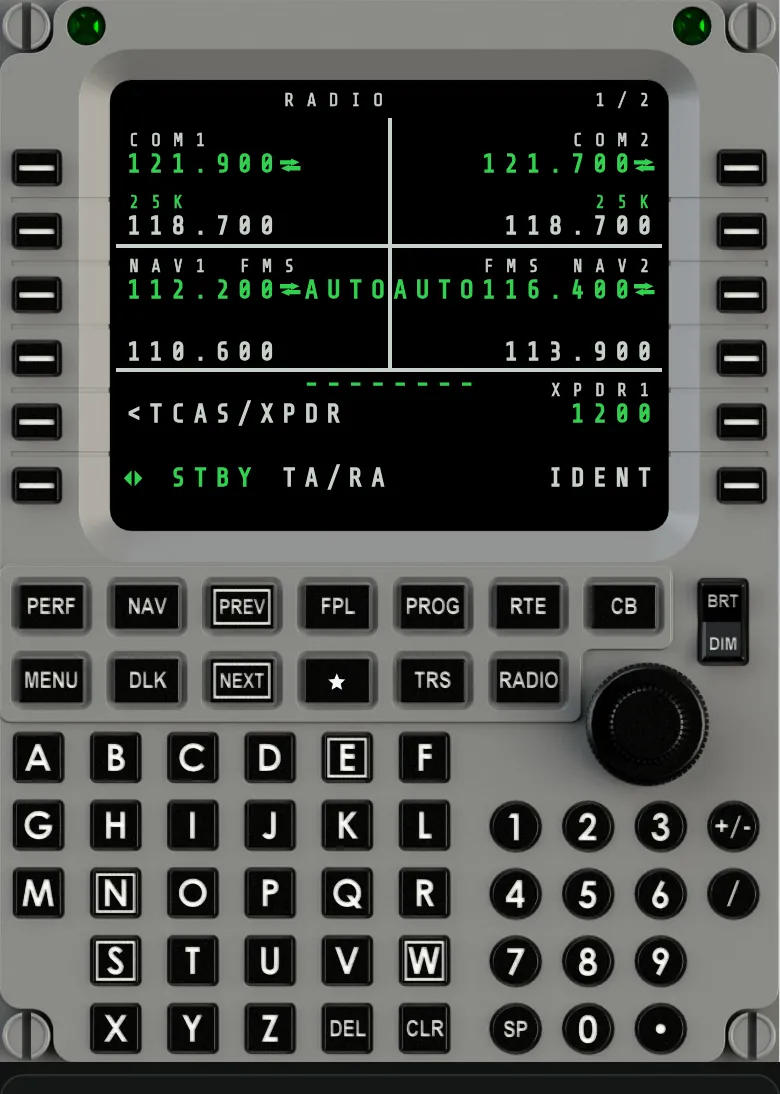
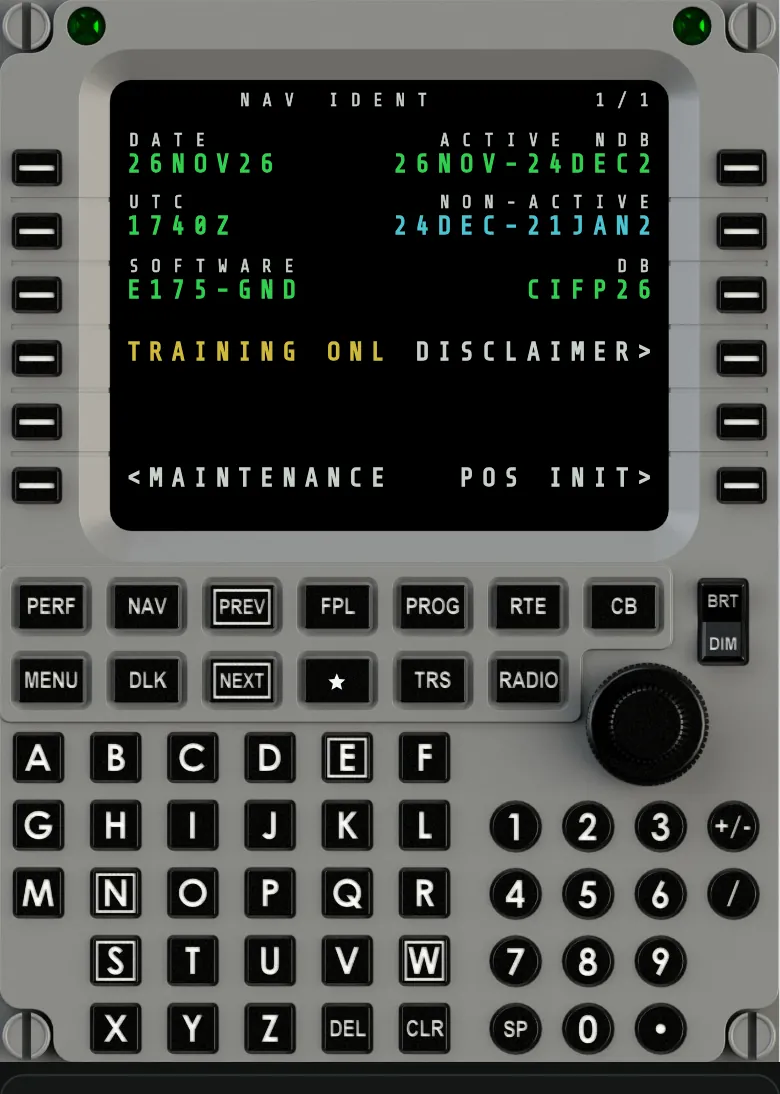
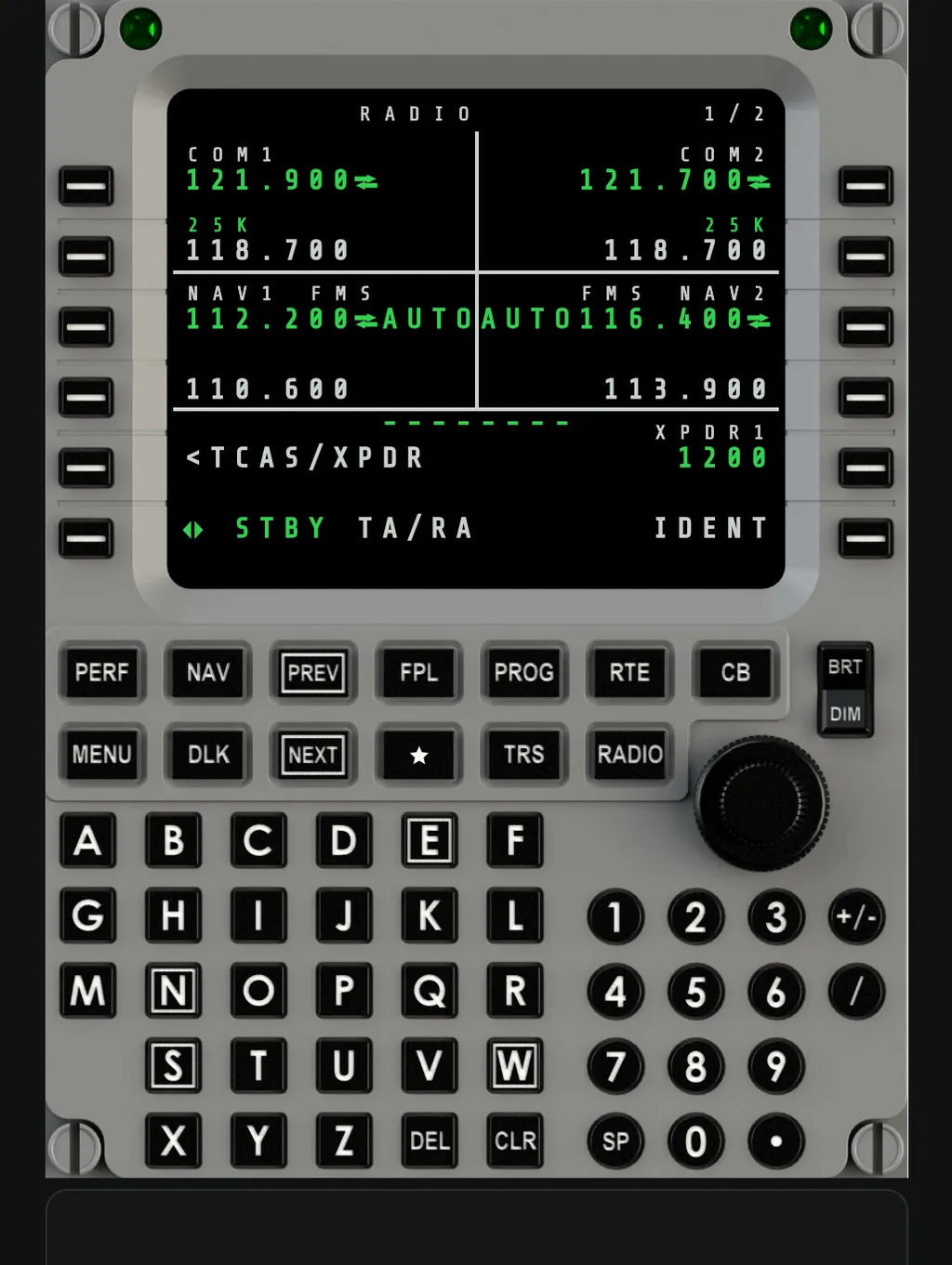
FMS Trainer is a ground trainer for the Honeywell Primus Epic flight management system and MCDU used on the Embraer E170, E175, E190 and E195. It is meant for pilots who are new to this FMS — including new-hire regional pilots preparing for IOE. One-time purchase, $9.99. No subscription.
The app includes two versions: FMS 25 (Load 25) and FMS 27 (Load 27), so you can practice the load you will see in the airplane or the simulator. Load 27 is the later Primus Epic software load, often discussed as NGFMS.
Features
- A realistic MCDU faceplate with line-select keys, mode keys, scratchpad, and the radio, NAV, route, flight plan, performance, and datalink pages you use in preflight.
- Guided preflight, which walks you through the sequence with instructions and highlighted keys.
- A preflight actions test that has you fly the same flow without hints, then tells you what you missed.
- Free Mode, so you can explore the FMS and practice E175 FMS procedures on your own.
- Simulated datalink (DLK) features for practice only, with no real datalink connection: preflight (including ATIS and pre-departure clearance requests), weather request, OOOI, messages and free text, changeover, postflight, in-range, and misc. Sends are simulated and can return an ACARS uplink.
What's included
The training nav database includes all US Class B, C and D airports — 701 airports — with FAA instrument approaches, SIDs, STARs, and airways drawn from the FAA Coded Instrument Flight Procedures (CIFP) file. Currently covers US airports only.
Company routes and a guided DFW–OKC preflight lesson are included so you can practice a complete initialization flow, not just single pages. NAV IDENT shows the active training database cycle and a training-only disclaimer.
The trainer includes simulated datalink (DLK) features for practice only. There is no real datalink connection. From the AOC index you can use preflight (including simulated ATIS and pre-departure clearance requests), weather request, OOOI, messages and free text, changeover, postflight, in-range, and misc. Sends are simulated and can return an ACARS uplink.
Who it's for
This Honeywell Primus Epic FMS trainer is for pilots learning the E-Jet MCDU on the ground: new-hire regional pilots, IOE prep, and anyone moving onto the Embraer E170, E175, E190 or E195 who wants a flight management system simulator they can practice on an iPhone or iPad. It is a training aid, not a substitute for your operator’s course or the simulator.
FAQ
How much does FMS Trainer cost?
One-time purchase, $9.99. No subscription.
Does it include datalink?
Yes. It includes simulated datalink (DLK) features for training only. There is no real datalink connection.
Does the nav database include airports outside the United States?
No. Currently covers US airports only. The database is built from FAA data for US Class B, C and D airports (701 airports), including instrument approaches, SIDs, STARs, and airways.
What is the difference between FMS 25 and FMS 27?
They are two software loads of the Honeywell Primus Epic FMS. FMS 25 is Load 25. FMS 27 is Load 27 (NGFMS). The trainer includes both so you can practice the load you will actually fly.
Can I use this for operational navigation or in flight?
No. It is a training aid only. It is not for operational use or navigation, and it may contain errors or inaccuracies. Always follow your company manuals and approved Honeywell and Embraer documentation.
Disclaimer
This app is a training aid only. It is not for operational use and may contain errors or inaccuracies. Always follow your company manuals and approved Honeywell and Embraer documentation.
Honeywell and Embraer are trademarks of their respective owners. This app is not affiliated with or endorsed by Honeywell or Embraer.